Documenting triggers
Applies to:
Dataedo 9.x versions, Article available also for:
10.x (current),
10.x (current),
8.x,
8.x,
7.x,
7.x,
6.x,
6.x,
5.x,
5.x
You are looking at documentation for an older release.
Switch to the documentation for
Dataedo 10.x (current).
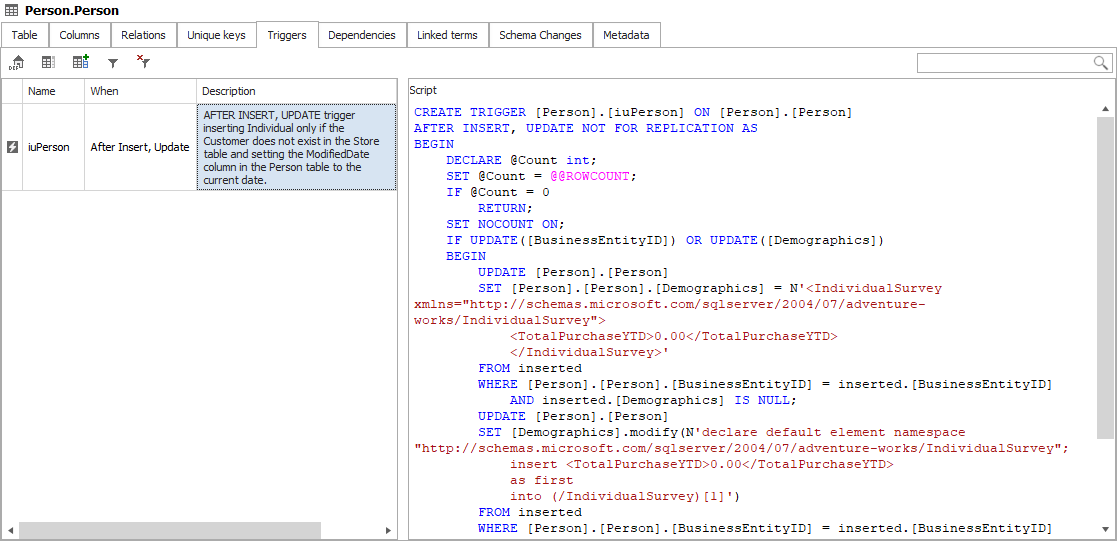
Triggers tab of table editor displays a list of triggers imported from a database. To view a trigger's code, select a trigger and it will be displayed in the right pane.
You can document triggers editing description field. Read more about working with editor.